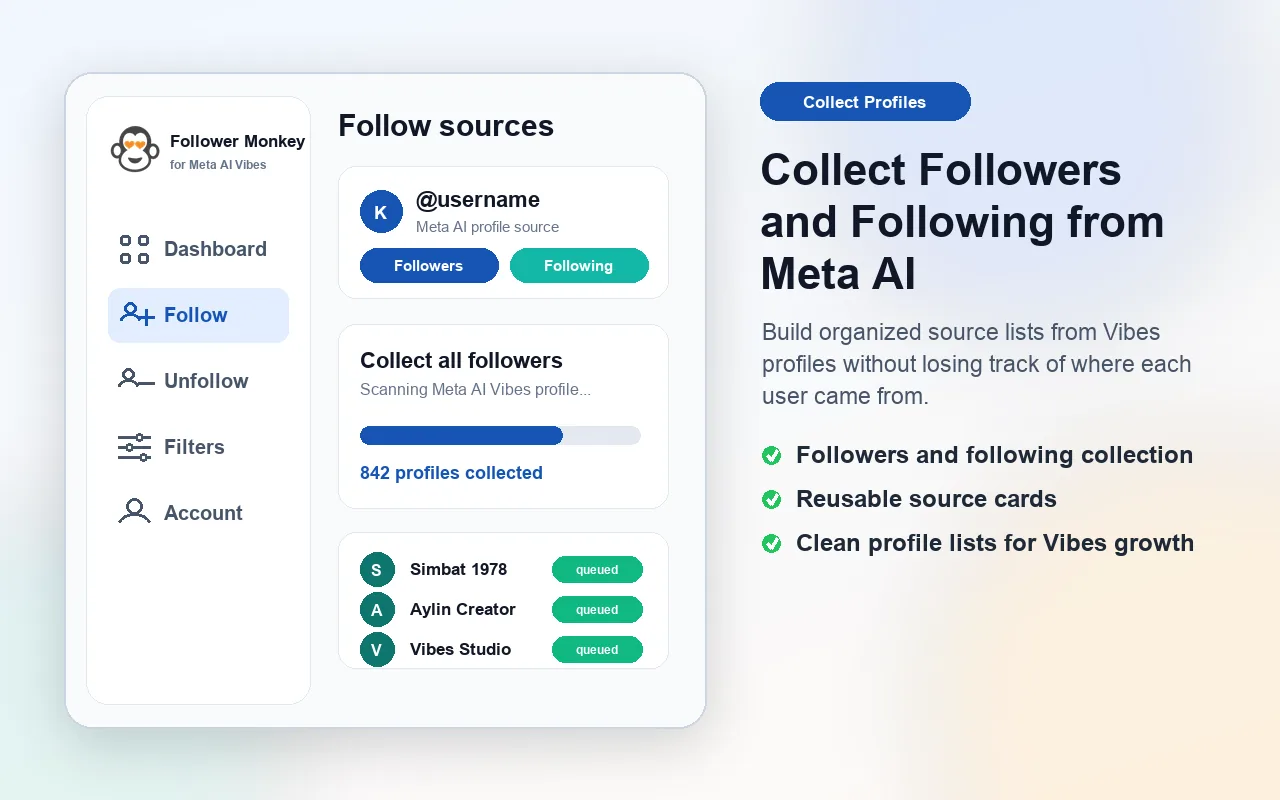
Collect Vibes followers and following
Add Meta AI Vibes profile followers and following lists as structured sources for follow queue building.
Meta AI Vibes automation dashboard
Follower Monkey for Meta AI Vibes helps creators and growth teams organize Vibes followers, following lists, post liker discovery, image-aware AI filters, follow queues, and unfollow workflows inside one focused Chrome extension dashboard for meta.ai.
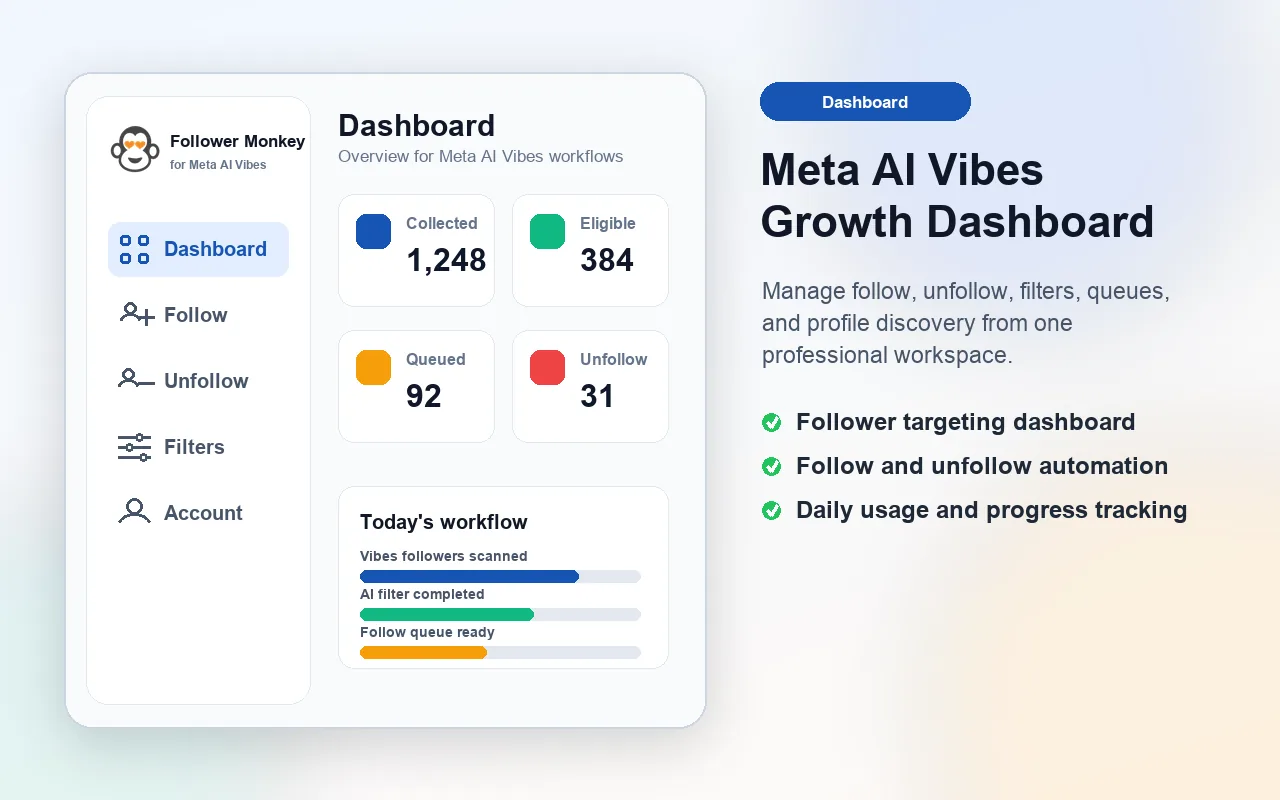
AI overview
Follower Monkey for Meta AI Vibes is an independent Chrome extension for organizing Vibes followers, following lists, post liker discovery, image-aware AI filters, follow queues, unfollow pools, and account-based usage limits on meta.ai.
Features
The Vibes extension uses Meta AI page context, Vibes source collection, local image blobs, AI filtering, and account-based usage limits to keep creator growth work organized.
Add Meta AI Vibes profile followers and following lists as structured sources for follow queue building.
Collect users who liked a Vibes post and save the post poster as local source context.
Profile photos and post posters are stored as local image blobs when available, with a clean fallback for missing photos.
Use profile names, usernames, and real image data for Vibes AI filtering while skipping anonymous default photos.
Review eligible users, followed users, and unfollow candidates from a dashboard built for repeated workflows.
Connect a Meta AI Vibes account, manage subscription status, and unlock higher usage limits for that account.
Workflow
Vibes profile sources, post liker sources, filters, follow targets, and unfollow targets are stored locally so users can review each step before an action is sent.
Vibes screens
The extension stores real profile images locally when available, skips anonymous defaults, and sends image data to AI only for Vibes filtering when a real image exists.
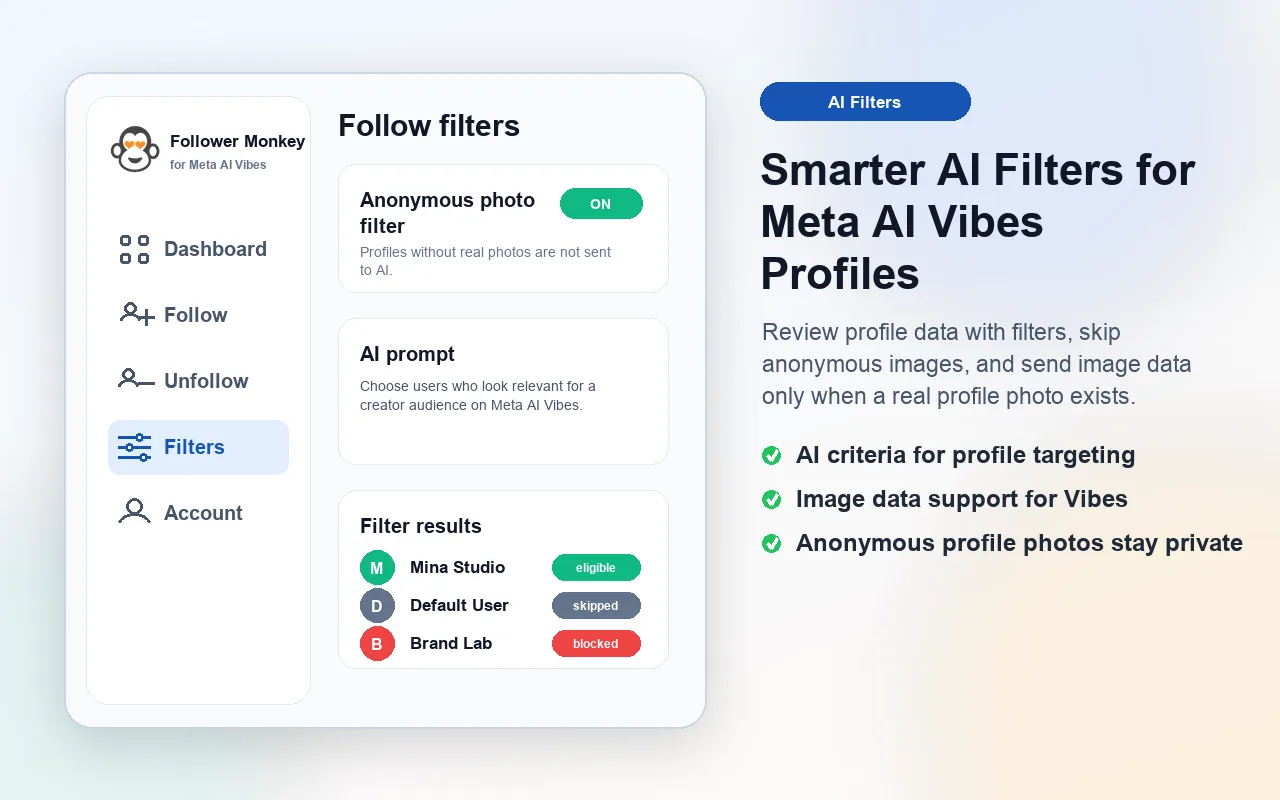
Use username, display name, and image data for smarter Vibes profile decisions.
A separate Chrome extension and product flow built for Meta AI Vibes accounts.
Premium ready
The Vibes dashboard supports account ownership, subscription status, daily usage tracking, and Chrome Web Store review bonuses for the active Vibes account.
Meta AI Vibes FAQ
These answers cover the search terms people use when looking for Meta AI Vibes followers, post liker discovery, AI filters, and follow/unfollow automation.
Follower Monkey for Meta AI Vibes is a Chrome extension dashboard for organizing Vibes followers, following lists, post likers, filters, follow queues, and unfollow workflows.
Yes. The Vibes extension is built for Meta AI Vibes workflows on meta.ai and uses page context to collect profile and post sources.
Yes. It supports Vibes followers, following lists, and users who liked a Vibes post as separate source types for queue building.
The extension can use usernames, display names, profile data, and real locally stored image data for AI filtering, while anonymous default photos are skipped.
Yes. It is designed as a Meta AI Vibes follow/unfollow automation dashboard with source collection, profile filtering, follow queues, unfollow pools, and account-based limits.